How it works
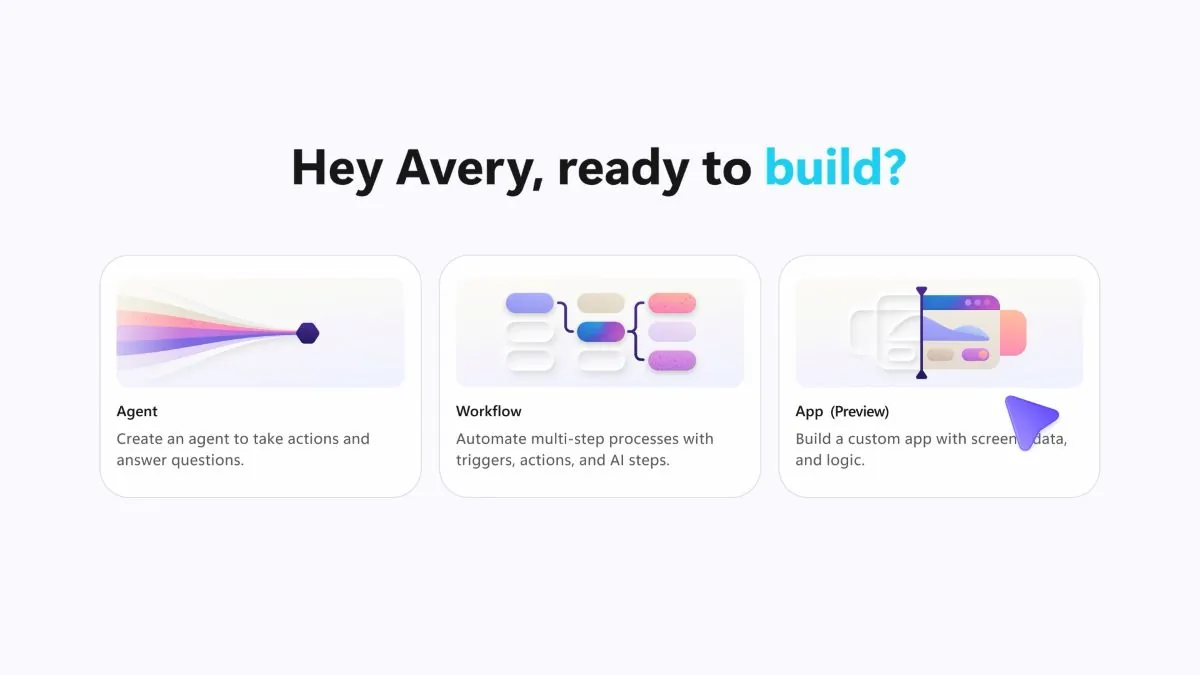
In Copilot Studio you choose App (Preview); in Copilot Cowork you use the /app skill. You describe the outcome you want, who the users are, and which data and actions are needed. Copilot creates a first working version of the app, which you then refine with new instructions, check in preview and, if you wish, inspect at code level.
Connected to your business data
The apps use connectors to business data and Work IQ for organizational context. They can not only display information but also write results back to systems within your Microsoft 365 environment. Microsoft’s examples include an employee onboarding app and an app for field service teams.
Governed by IT
- Full-stack apps built on open standards, with Git version control and separate deployment stages
- Identity through Microsoft Entra and respect for data and connector policies
- An inventory of published apps and controls in the Microsoft 365 admin center
Availability
According to Microsoft, the /app skill in Copilot Cowork is available through the Frontier program, and app building in Copilot Studio is rolling out in public preview. Building and running apps is billed based on usage.
What this means for your team
Small internal tools that never had development resources, such as requests, task tracking or checklists, can now be built by the people who use them. We can discuss which processes in your company are a good place to start.